National Digital Literacy Programme
Find out how the NDLP equips your child with digital skills for the future, and learn how schools and parents can work together to ensure safe, effective device use.
The National Digital Literacy Programme (NDLP) was launched in March 2020 to make digital learning inclusive by equipping students with digital literacies to be future-ready.
As part of NDLP, MOE announced in 2020 that every secondary school student will own a school-prescribed personal learning device (PLD) by end-2021.
The aims of NDLP are to:
Support the Development of Digital Literacies
Support self-directed and collaborative learning
Enhance Teaching and Learning
Watch the video to have a better understanding of how NDLP strengthens Digital Literacy.
Student And Teacher Experiences
Watch the videos to hear the students' and teachers' voices about NDLP.

How Will Your Child Be Using Their PLDs?
They will use their PLDs to access platforms such as the Student Learning Space (SLS), Google Workspace, Slido, Mentimeter, Kahoot, Nearpod, Padlet, to:
[In school]
To support their learning experiences
To review their learning and close learning gaps
To collaborate with their peers and teachers
[Beyond school]
To continue to learn during home-based learning (HBL)
To explore topics of their personal interests and preferences
To learn and make use of digital tools such as calendaring and note-taking applications to enhance personal productivity and develop life skills
Digital Applications for Students
As part of the NDLP, schools will progressively roll out ICT applications that are vital to students’ educational journey. These applications will form an integral part of the applications installed in the PLDs:
Digital applications included in student personal learning devices
Student iCON | Microsoft 365 | Zoom |
|---|---|---|
Every secondary school student will be given an iCON account that provides access to email and Google productivity tools. | Every secondary school student will be able to access and use Microsoft Office tools that include Word, PowerPoint and Excel on their PLD. | Every secondary school student will be given a Zoom free account [with a 40 mins time limit] using the Student iCON for the students’ video conferencing needs. |
Device Information (2026 Model)
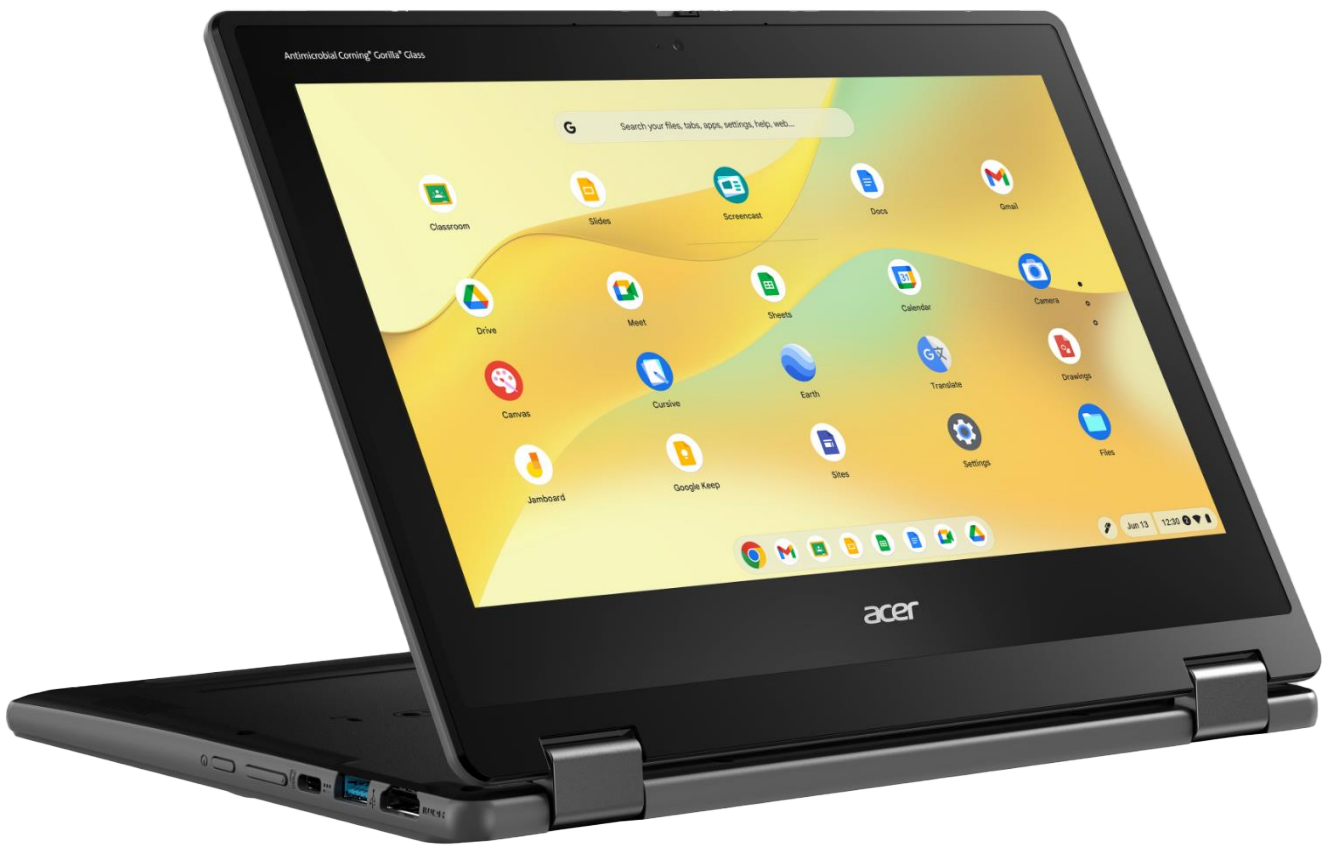
Acer Chromebook Spin R857TN
Acer Chromebook Spin R857TN specifications and price
OS | Chrome OS |
Processor | Intel® Quad-core N150 |
RAM and Storage | 8GB, 64GB |
Battery | 53 Wh, Up to 10 hours |
Weight | 1.5 kg |
Screen | 12.2" IPS, WUXGA 1920 x 1200, Multi-Touch LCD |
Ports | HDMI 1.4, 2 x USB 3.2 Gen 1 Type-A, 2 x USB Type-C, 1 x 3.5 mm audio |
Accessories | Active Stylus Pen, wired mouse |
Convertible | Yes (back-flip) |
Shock Resistant | Yes |
Warranty & Insurance | 4 years |
Price w/ GST | S$ 588.60 |
Supporting Students in the Safe and Effective Use of PLDs
The school has put measures in place to enable a safe and conducive learning environment for students to use PLDs for teaching and learning as follows:
School and classroom routines
Cyber Wellness Education
Device Management Application (DMA)
Classroom Management and Routines
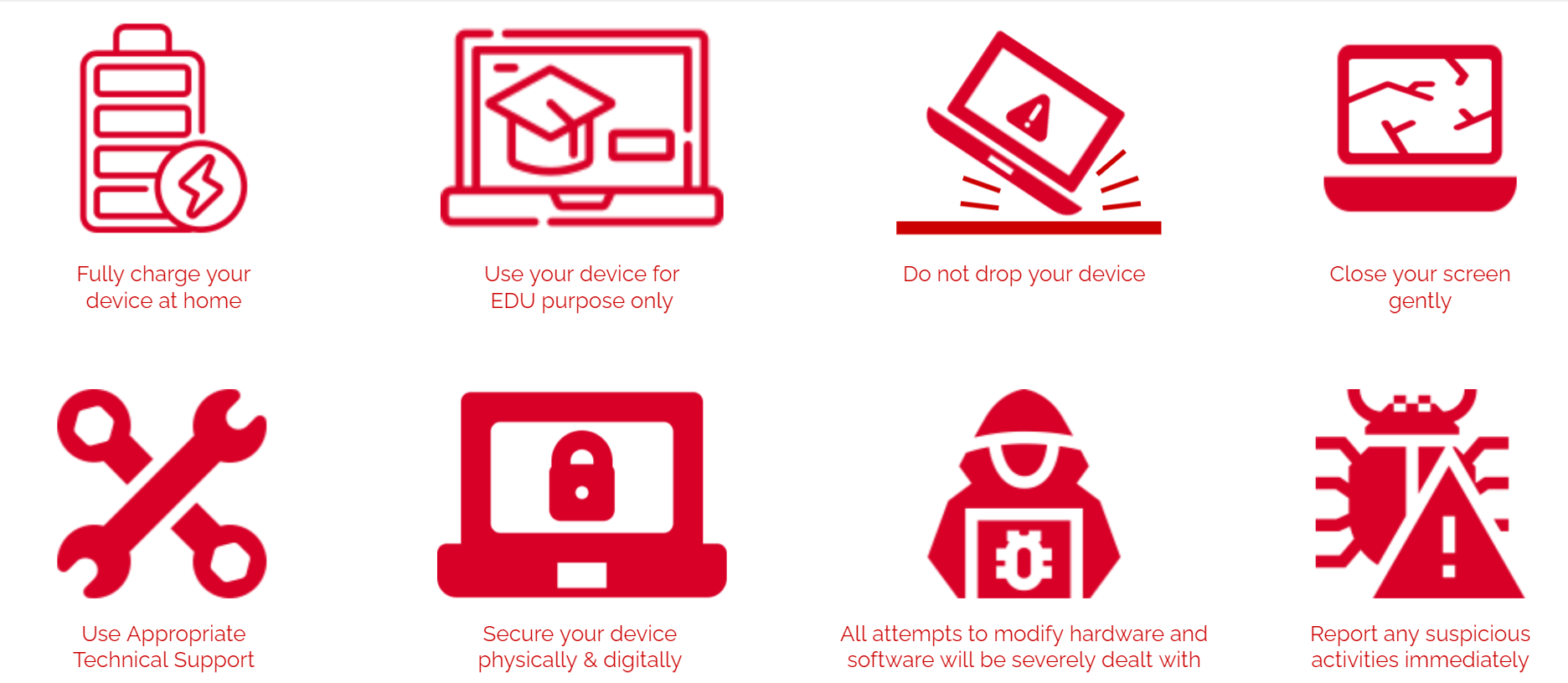
Cyber Wellness Education
MOE has enhanced Character and Citizenship Education (CCE 2021) to significantly incorporate cyber wellness to educate students on the demands of NDLP.
Topics covered in the Cyber Wellness lessons include:
Cyber Use
Cyber Identity
Cyber Relationships
Cyber Citizenship
Cyber Ethics
As parents, you can also play a part by
modelling good digital habits for your child,
knowing your child well, and have conversations with your child about safe and responsible use of technology,
setting ground rules for internet use,
navigating the internet together with your child to understand their usage.
To support you in keeping your child safe online, you may refer to these resources:
Device Management Application (DMA) - Lightspeed Systems
Device management application (DMA) software will be installed on your child’s device to provide a safe learning experience for your child, and prevent misuse of the device.
The DMA will be funded by MOE and will be uninstalled from the device when your child/ward graduates or leaves the school. The purpose of DMA are three fold as follows:
Device Management Application purposes by management category
Classroom Management | Mobile Device Management | Usage Management |
|---|---|---|
To enable teachers to actively monitor and control the students' use of the PLD during lesson time to improve student management and deliver effective teaching. | To enable remote deployment of teaching and learning applications and security patches. | To enable the school to address cyber wellness concerns, such as excessive and inappropriate use of the PLD and manage prolonged use of the PLD to reduce stress on the eyes. |